12 Stunning Office Ideas for Work That Actually Boost Focus
A workspace built for actual daily output needs a different set of priorities than one built primarily to look good ergonomics, lighting, and noise control matter more here than style alone. These office ideas for work focus on setups that hold up across a full eight-hour day, from proper monitor positioning to noise-dampening solutions for video calls. Twelve specific approaches follow, each aimed at reducing the friction that makes a workday harder than it needs to be.
Trend & Background
As remote and hybrid schedules have become standard rather than exceptional, more attention has shifted toward the practical side of a home office ergonomics, noise control, and sustained focus rather than just how the room looks on a video call. Interest in ergonomic accessories and productivity-focused layouts has grown alongside broader awareness of repetitive strain and screen fatigue from long stretches at a desk. That shift has pushed people to treat their workspace setup with the same seriousness as an in-office ergonomic assessment, rather than an afterthought handled with whatever furniture was already on hand.
Key Takeaways
- Office ideas for work should prioritize function first, since focus and comfort matter more here than in any other room.
- Ergonomic seating and proper monitor height prevent the fatigue that undermines a full workday.
- Noise control and lighting affect daily productivity more than any decorative choice.
- A defined boundary between work and non-work zones helps sustain focus in a shared space.
1. Monitor Height Riser
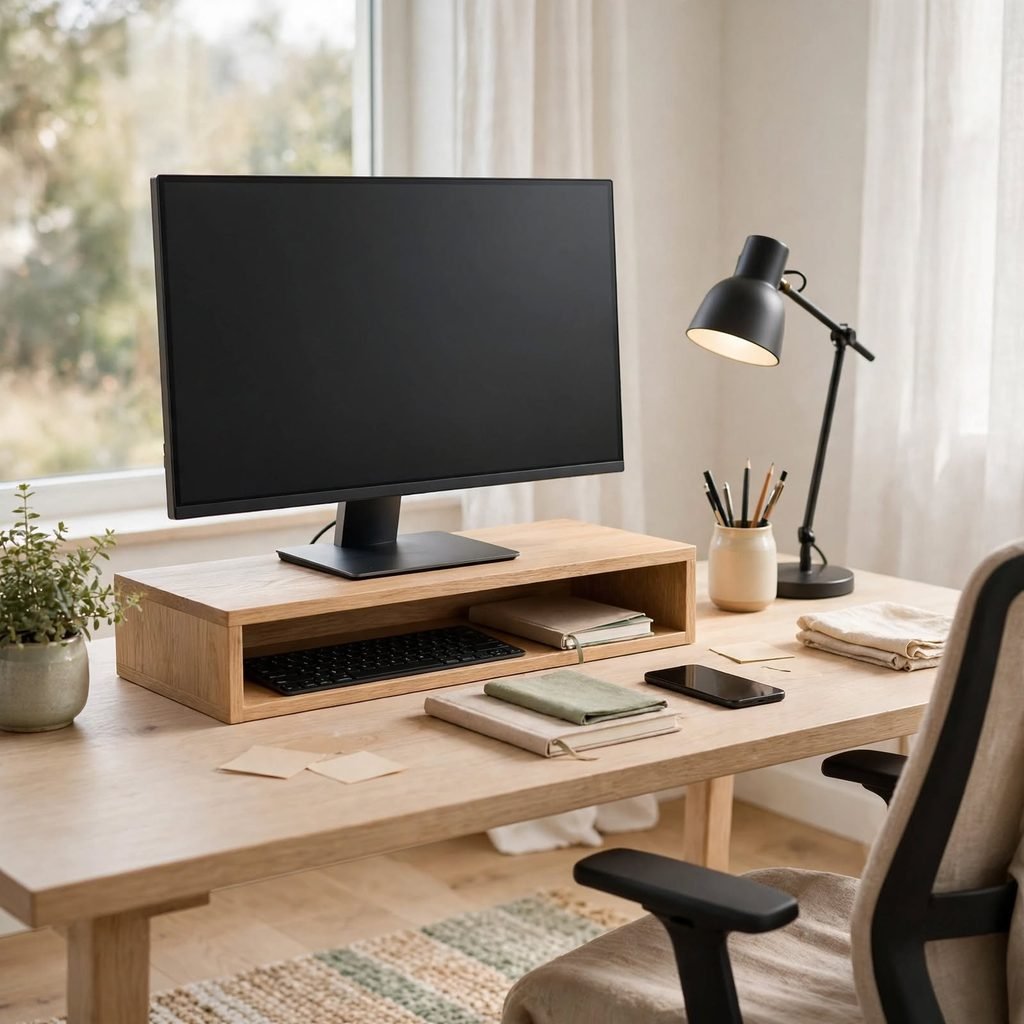
A monitor riser positions the top of the screen at eye level, which keeps the neck in a neutral position instead of tilting down for hours at a time. Adjustable risers that also create storage space underneath serve double duty in a smaller office, while fixed risers work fine for a single dedicated monitor. This is one of the lowest-cost office ideas for work with a direct, measurable effect on daily physical strain.
2. Ergonomic Task Chair
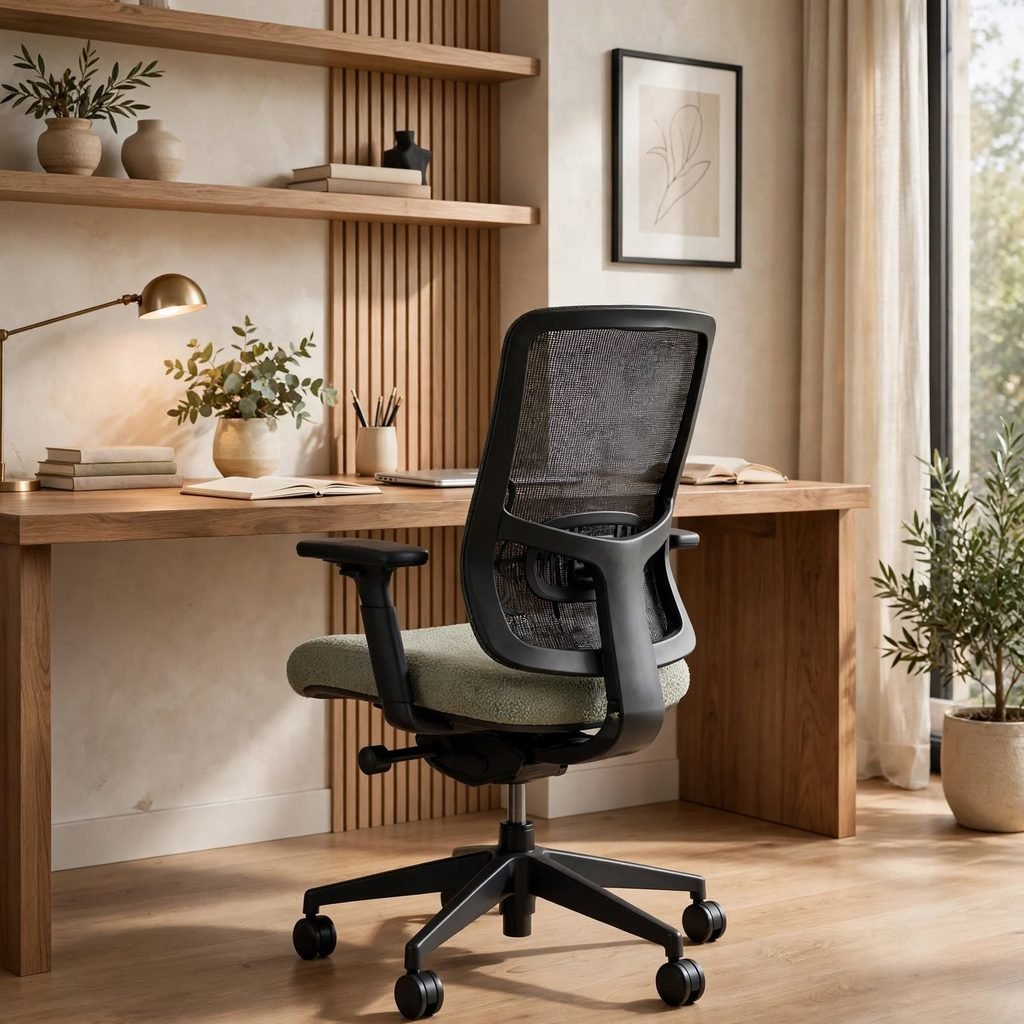
An ergonomic task chair with adjustable lumbar support, seat depth, and armrest height matters more over a full workday than almost any other single purchase, since poor seating is the most common source of lower back and shoulder strain. Mesh-backed chairs breathe better in warmer climates, while cushioned versions in performance fabric hold up longer under daily use. Setting the seat so knees sit at roughly 90 degrees with feet flat on the floor should happen before any other adjustment.
3. Noise-Cancelling Headphone Station
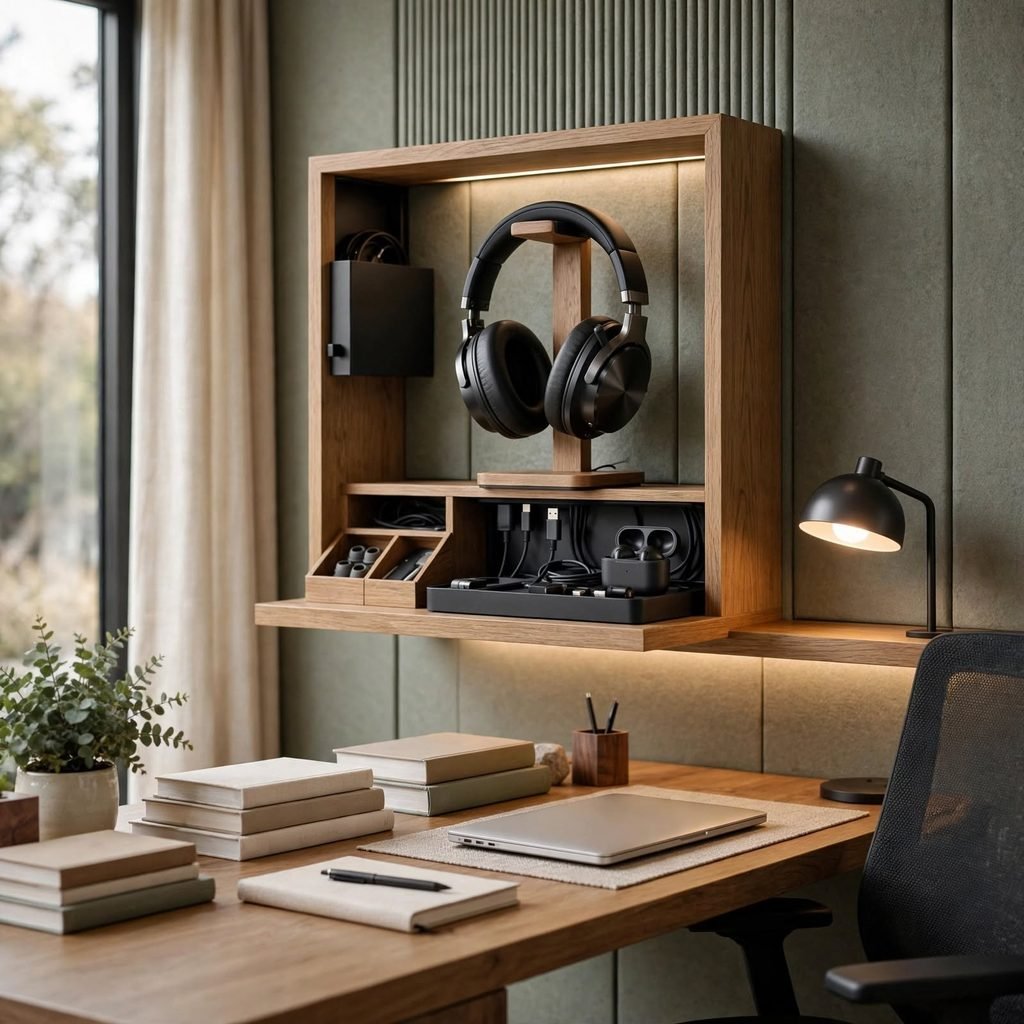
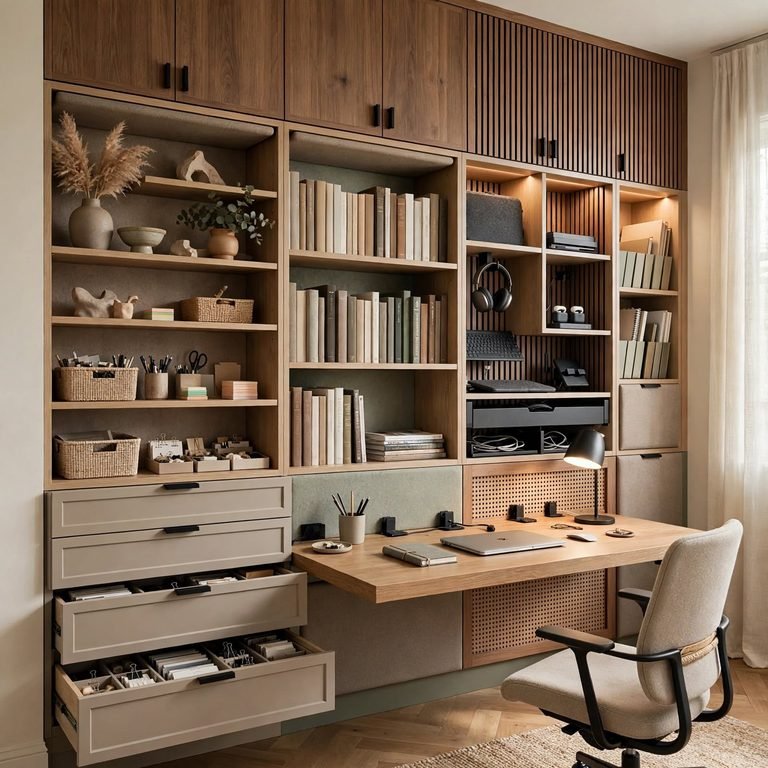
A dedicated spot for noise-cancelling headphones, whether a wall hook or a small charging stand, keeps them within reach for calls or focused work without becoming another item lost in a desk drawer. This matters more in shared households or open-plan spaces where background noise is a constant variable rather than an occasional issue. Positioning the station near the desk but out of the primary work surface keeps the desktop itself clear.
Create a clutter-free workspace with these smart home office organization ideas for small rooms.
4. Acoustic Panel Wall
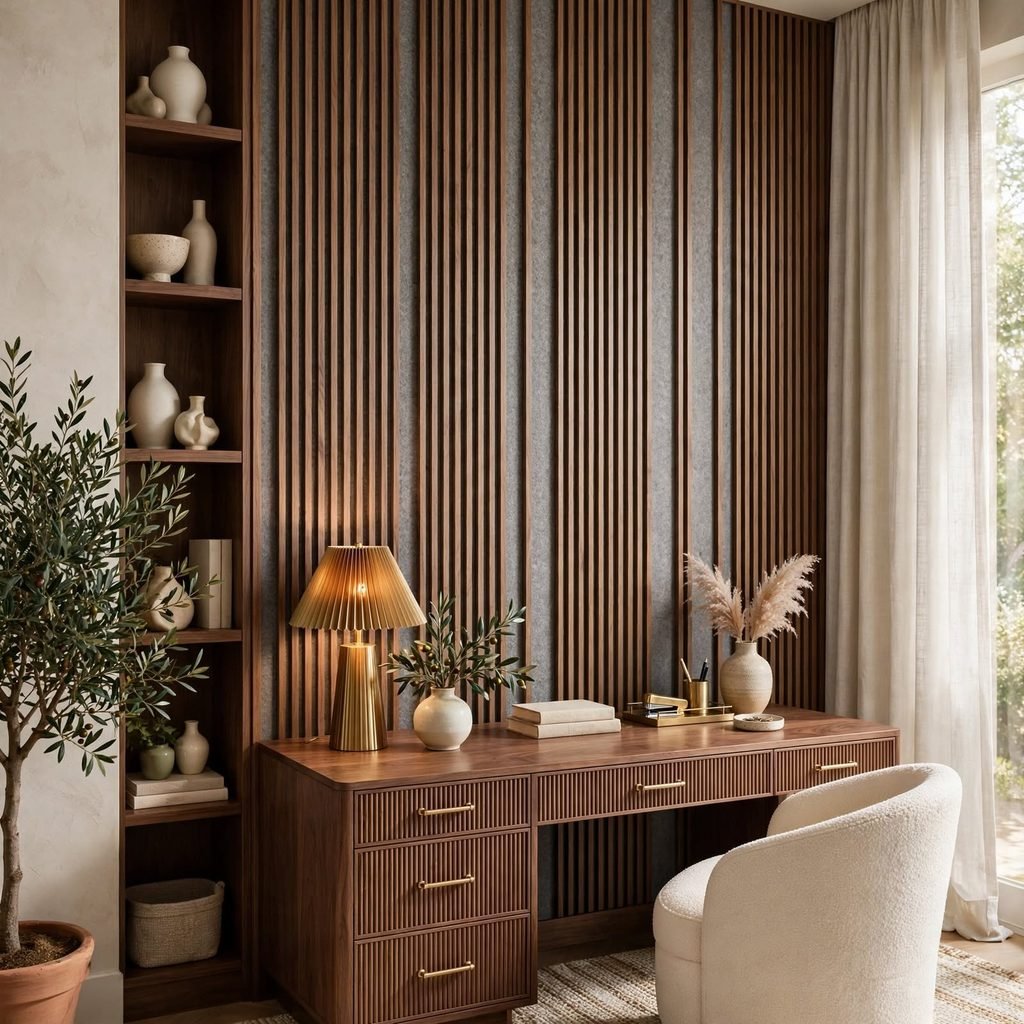
Acoustic panels felt, fabric-wrapped fiberboard, or PET felt reduce echo and background noise during calls, which affects work quality more than most people account for until a video meeting reveals a noticeable reverb. Arranging panels in a geometric or slat pattern turns a functional fix into a design feature rather than a visible add-on. This solution matters most in rooms with hard flooring, high ceilings, or minimal furniture to absorb sound naturally.
| Panel Type | Noise Reduction | Best For |
| Felt panels | Moderate | Small rooms, light echo |
| Fabric-wrapped fiberboard | High | Rooms with hard flooring |
| Foam wedge panels | High | Home studios, heavy calls |
5. Dual-Monitor Arm Setup
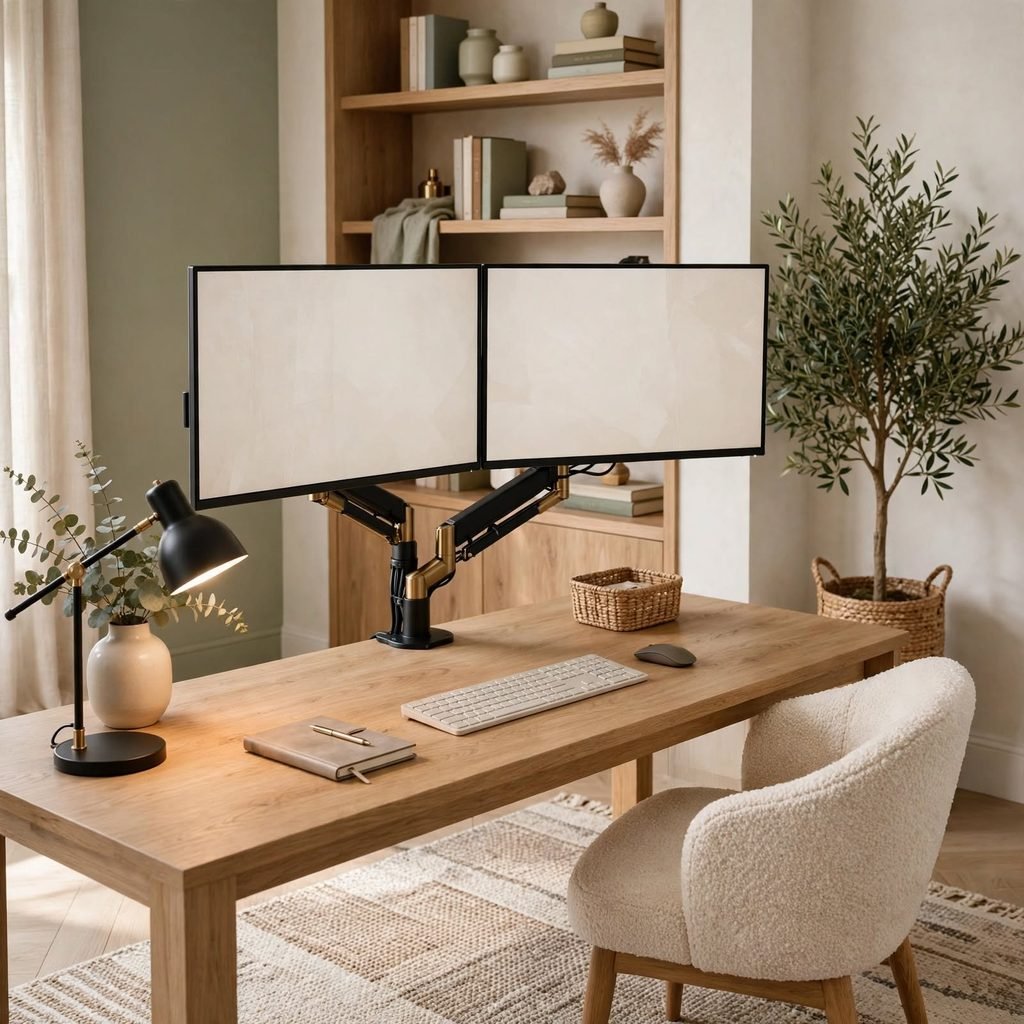
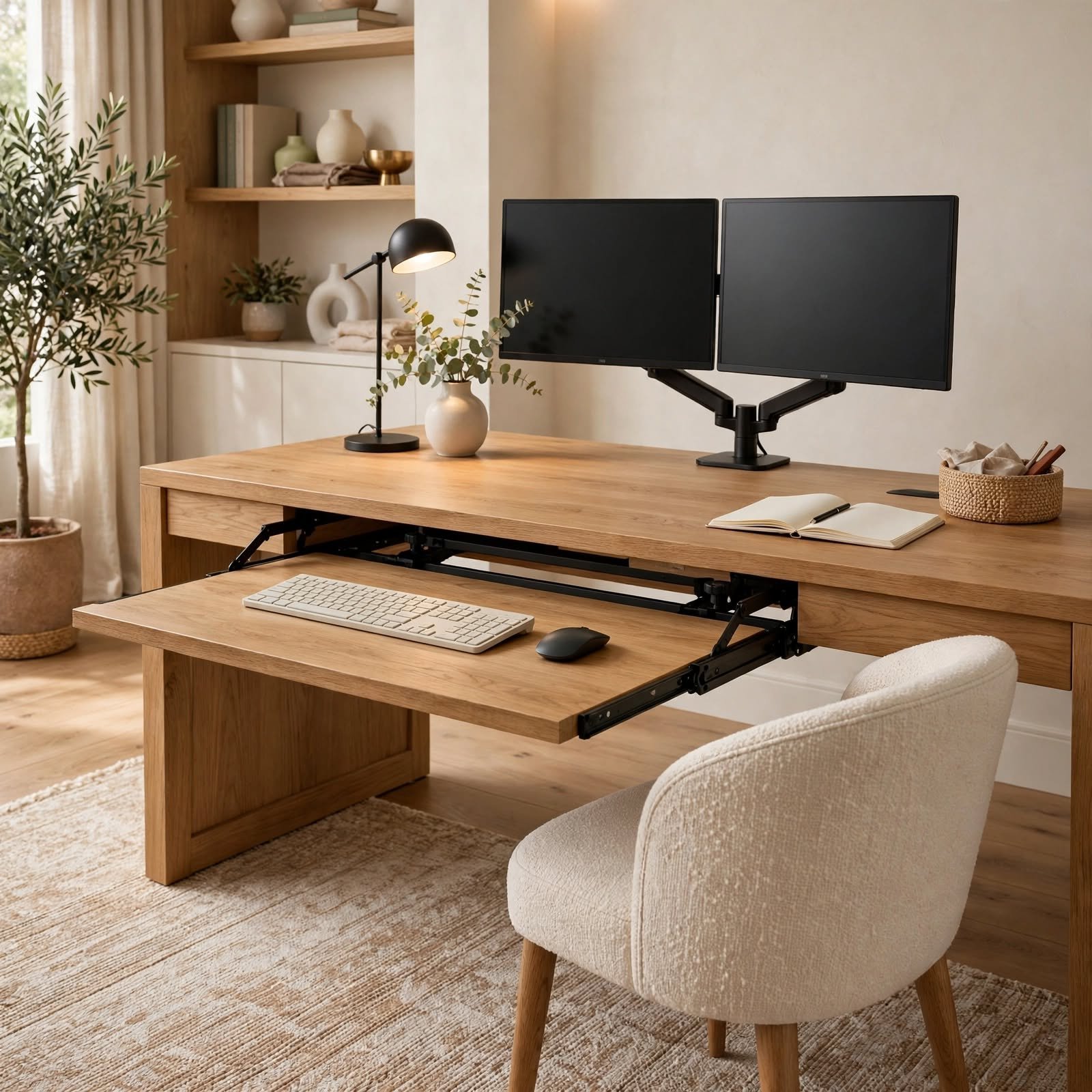
A dual-monitor arm mount clamps to the desk and holds two screens on adjustable, articulating arms, freeing up the entire desktop surface that monitor stands would otherwise occupy. This also allows proper eye-level positioning for both screens, which a fixed stand rarely achieves for more than one monitor at a time. Choosing an arm rated for your monitor’s weight, listed on the mount’s spec sheet, prevents drift over time.
6. Task Lighting with Adjustable Color Temperature
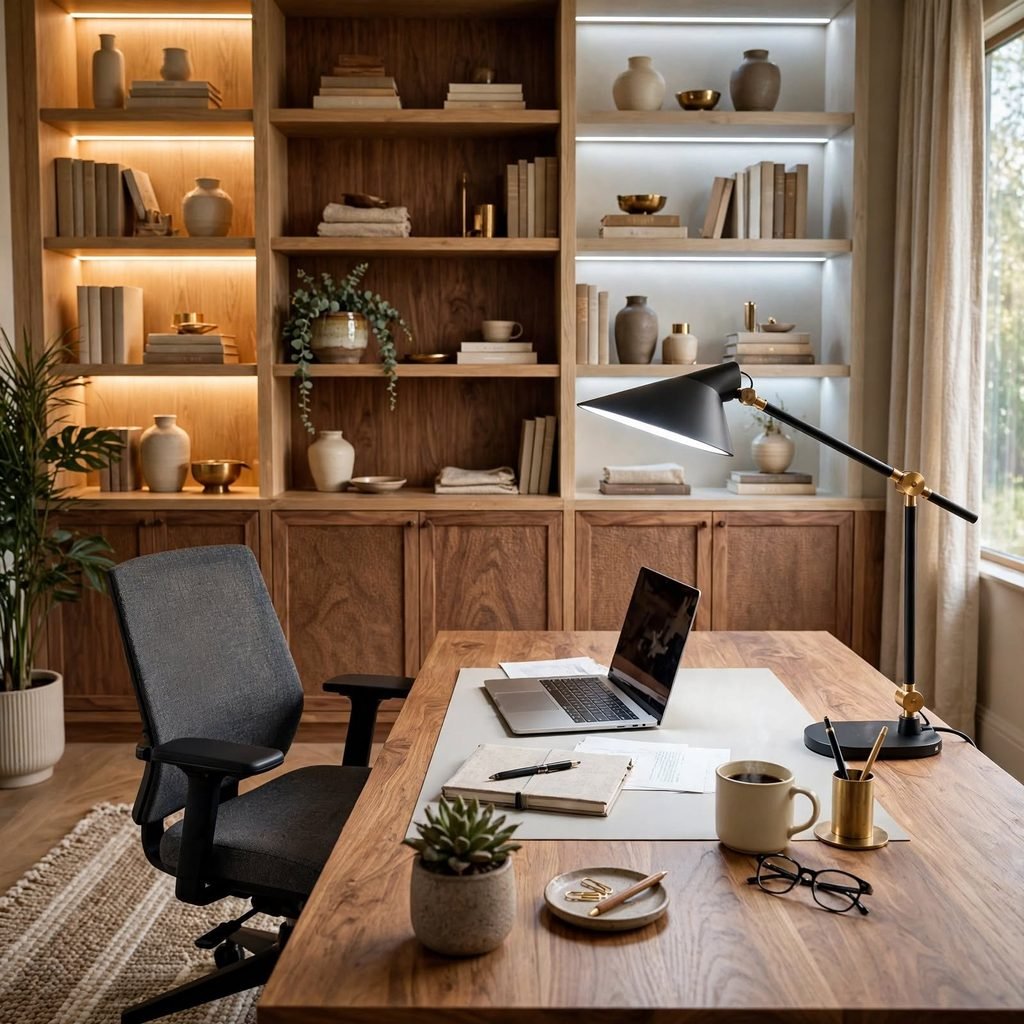
A desk lamp with adjustable color temperature lets you shift between a cooler, more energizing light for focused morning work and a warmer tone later in the day, which single-temperature bulbs can’t replicate. Keeping the lamp in the 4000K to 5000K range for daytime focus reduces eye strain compared to warmer ambient bulbs used throughout. Positioning the lamp to the side of your dominant hand avoids shadows falling across a keyboard or notes.
7. Standing Mat for Sit-Stand Desks
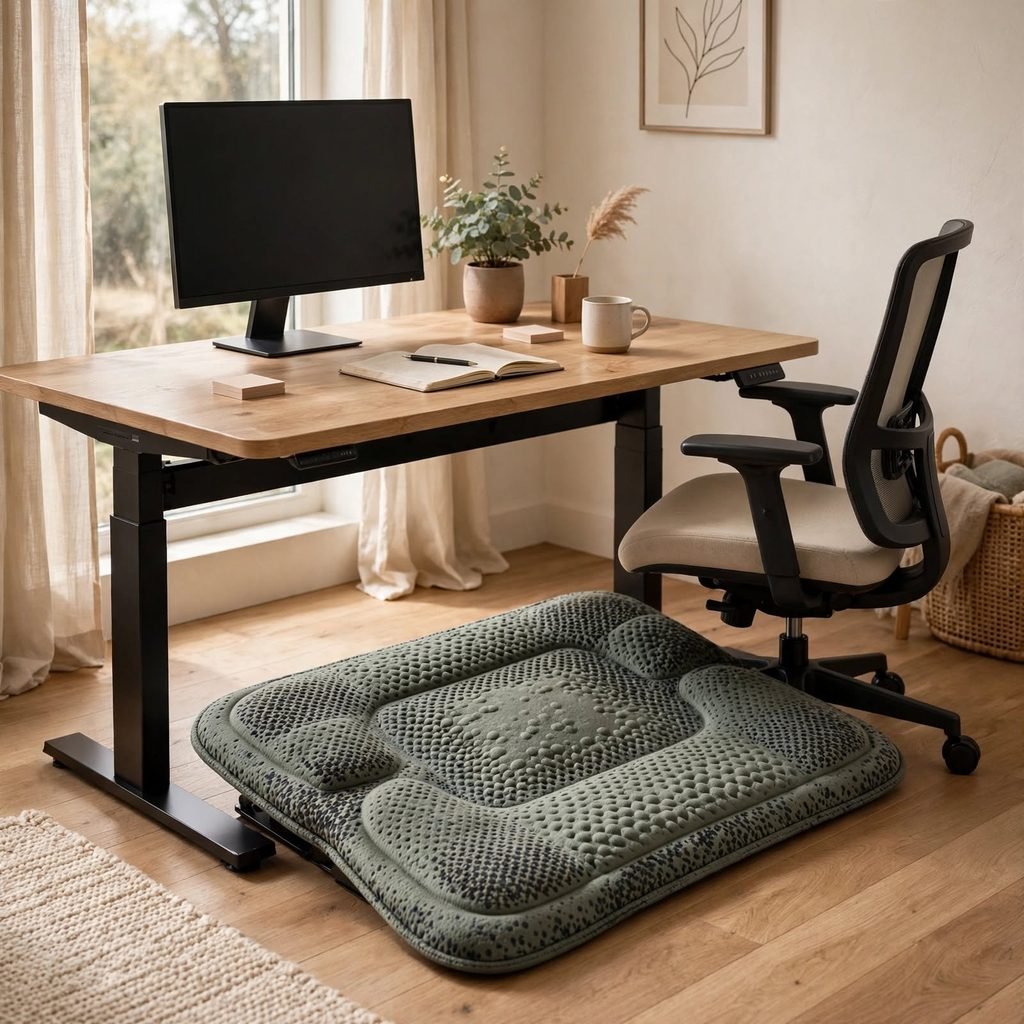
A cushioned anti-fatigue mat placed at a sit-stand desk’s standing position reduces the leg and foot strain that comes from standing on a hard floor for extended periods. A thickness of around 3/4 inch balances cushioning with stability, since a mat that’s too soft can create its own balance issues over a full standing session. This is a low-cost addition that makes the standing portion of a sit-stand routine far more sustainable day to day.
8. Cable Management System
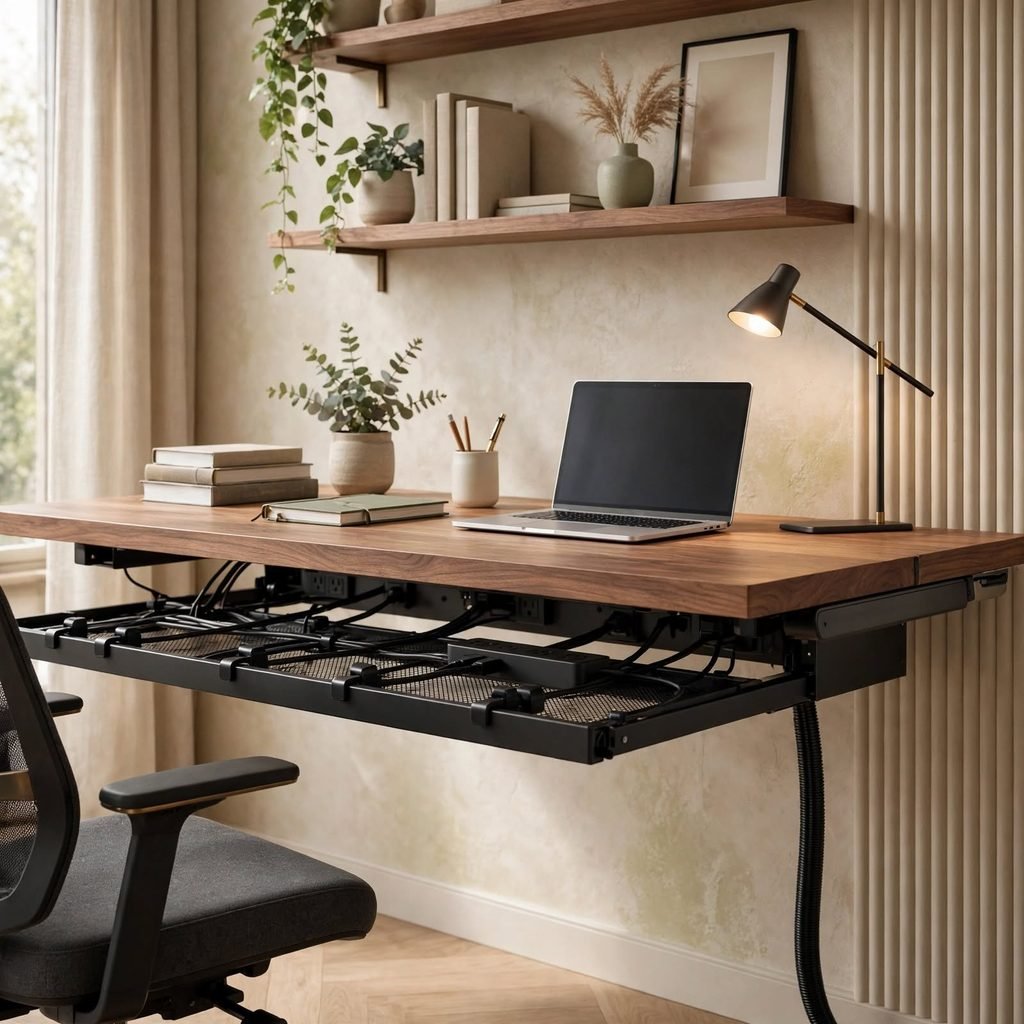
An under-desk cable tray or a ventilated cable box keeps power strips, chargers, and cord clutter out of the way, which reduces both visual distraction and the physical hazard of loose cords near a work area. Routing all cords through a single management point rather than letting them trail separately keeps the space under the desk usable for a footrest or storage bin. This is one of the more overlooked office ideas for work, despite the daily friction it removes.
9. Defined Work Zone Boundary
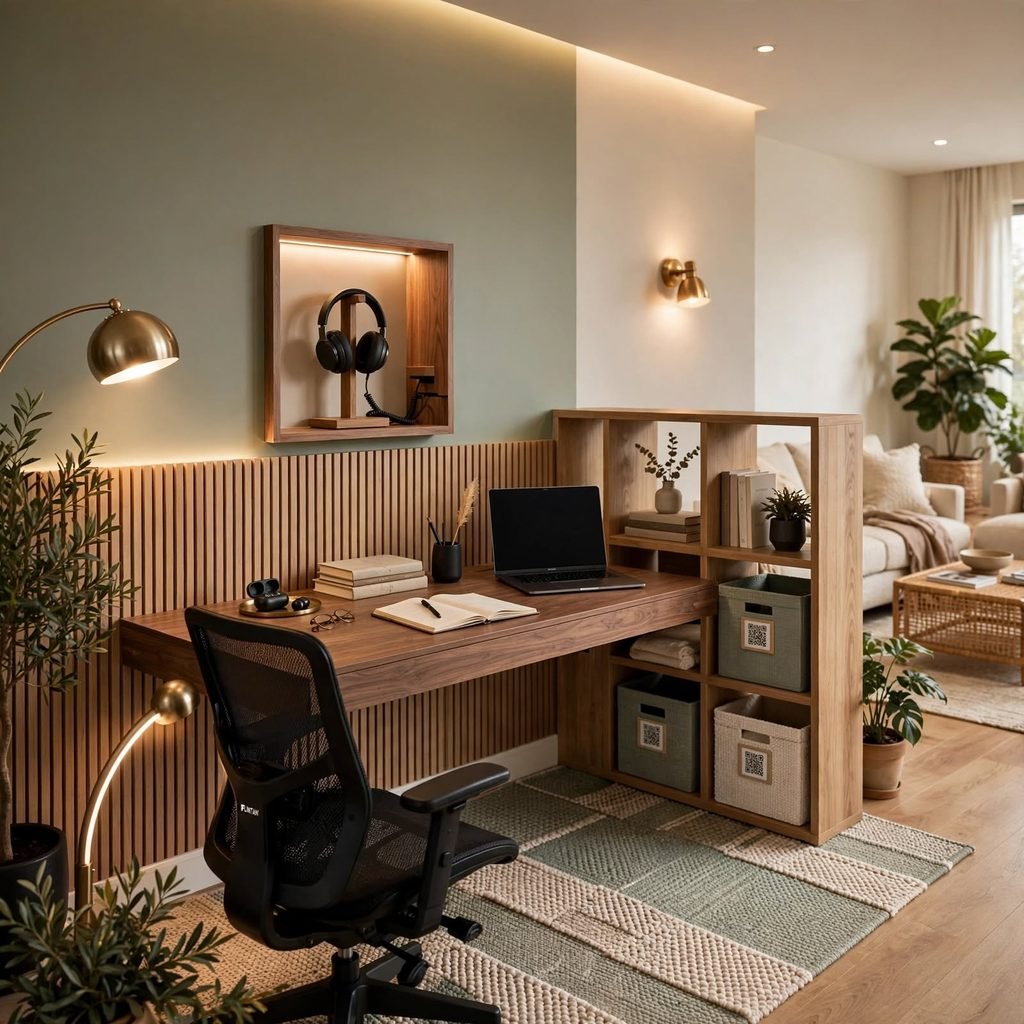
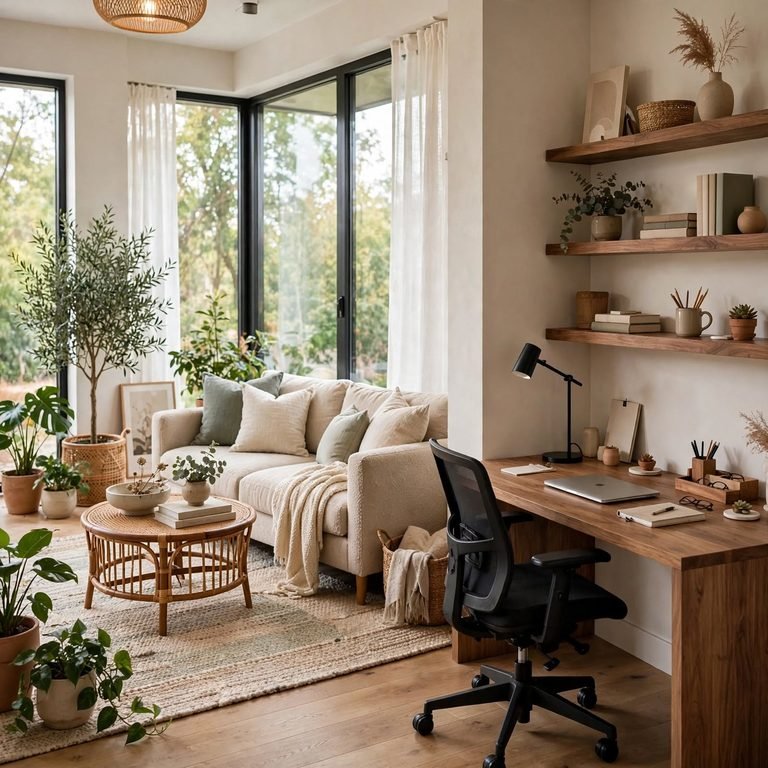
Marking a clear boundary for the work zone a rug, a room divider, or simply a consistent furniture arrangement helps signal to both the person working and anyone sharing the space that the area is in active use. This matters most in a shared room or open-plan layout, where the absence of a physical boundary can make it harder to mentally separate work time from downtime. A rug alone, sized to the desk and chair, is often enough to create this effect without a full partition.
10. Whiteboard or Planning Wall
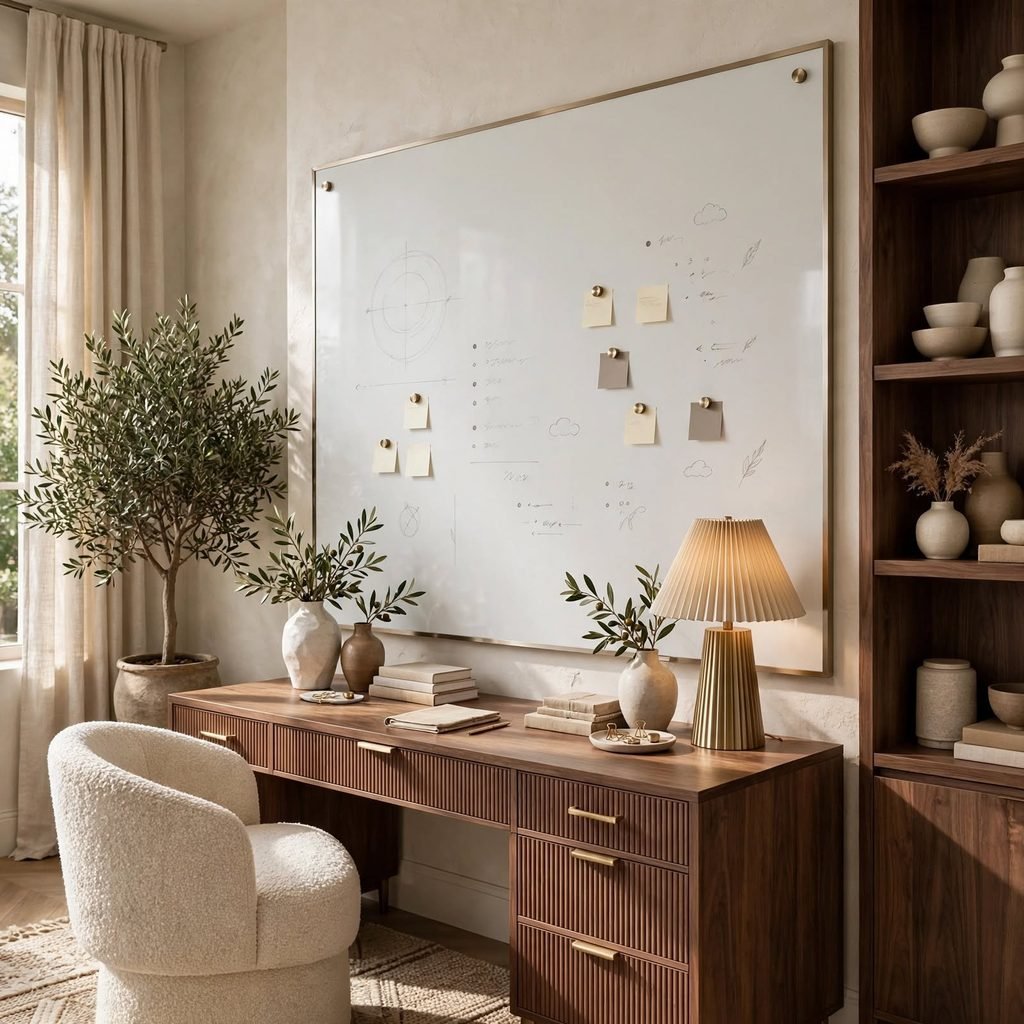
A wall-mounted whiteboard or a magnetic planning board gives a visible space for task tracking, project timelines, or notes that stay in view rather than buried in a notebook or app. This suits work that benefits from a visual overview project management, writing, or anything with multiple moving deadlines more than purely digital-only workflows. Positioning it within the eye line of the desk, but outside the primary video call frame, keeps it useful without cluttering the camera view.
11. Adjustable Keyboard Tray
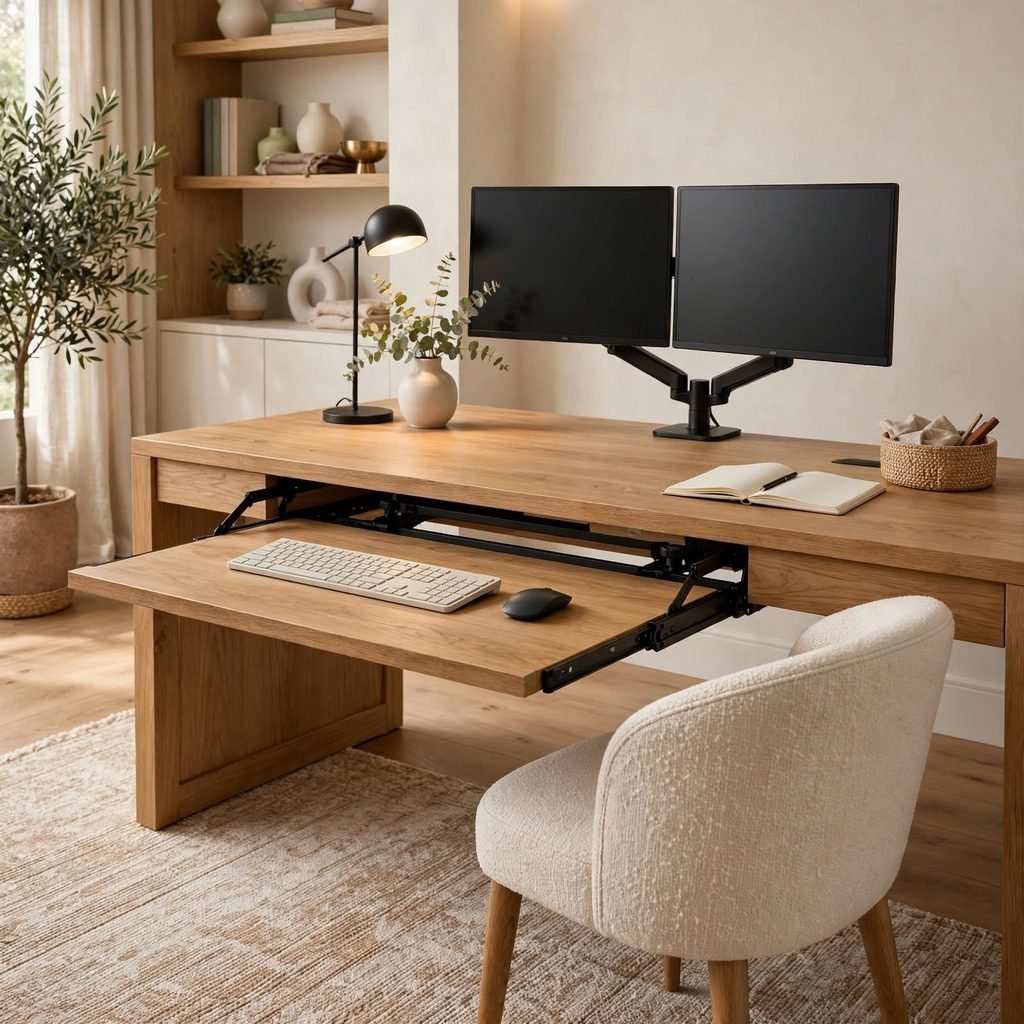
An adjustable keyboard tray mounted under the desk allows for a lower typing position than the desktop surface alone provides, which keeps wrists in a more neutral position and reduces strain during long typing sessions. Trays with a slight negative tilt, angling down and away from the body, further reduce wrist extension compared to a flat tray. This addition matters most for anyone typing for the majority of their workday rather than using the keyboard intermittently.
12. Focus-Friendly Wall Color
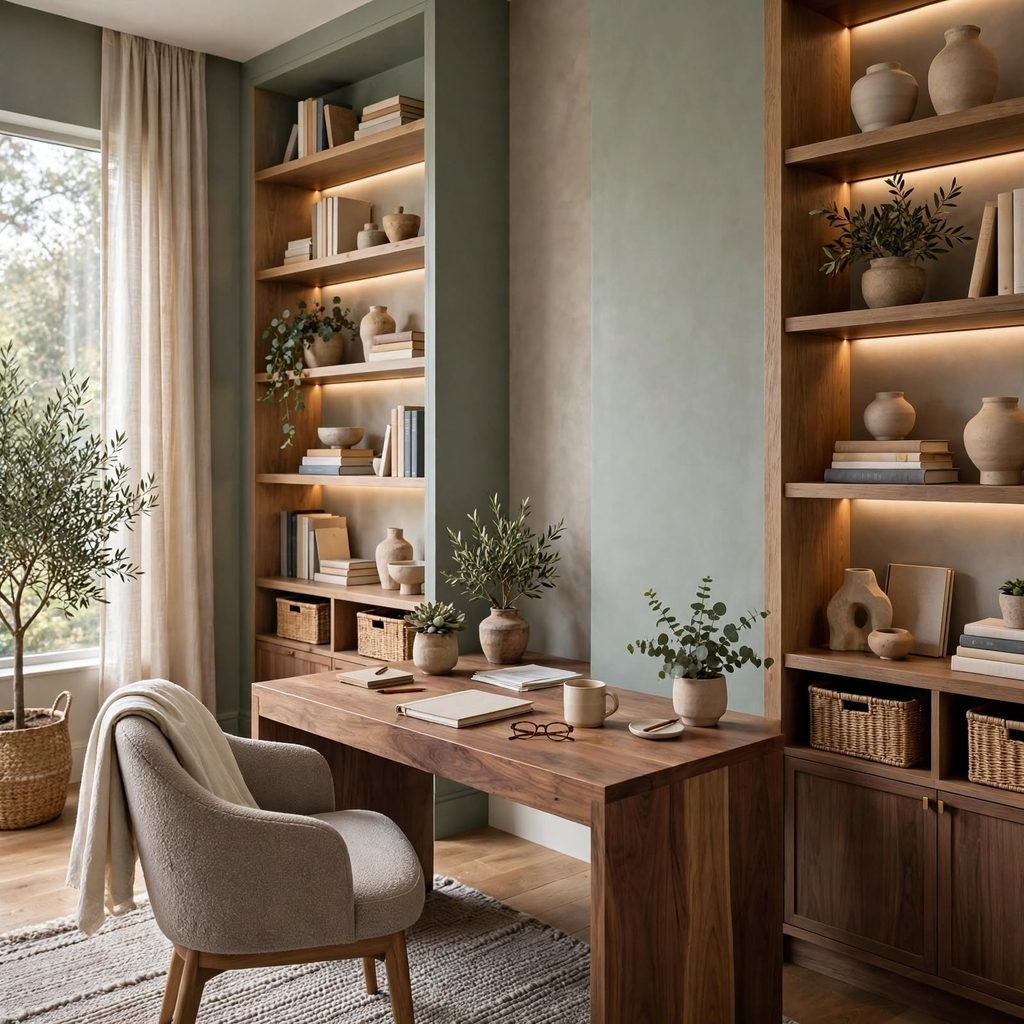
A muted, low-saturation wall color soft sage, warm greige, or a pale blue creates a calmer visual backdrop for focused work than a bright or highly saturated tone, which can become a low-level distraction over a full workday. Keeping the wall directly in your line of sight, rather than a peripheral wall, particularly benefits from this calmer treatment. This is one of the lowest-cost office ideas for work relative to its effect on sustained focus.
Shop the Look
An adjustable dual-monitor arm mount pairs well with a mesh-back ergonomic task chair for daily use. Add a set of noise-cancelling headphones with a wall-mounted charging stand, an anti-fatigue standing mat for sit-stand desks, and an under-desk cable management tray to keep the workspace clear.
Common Mistake to Avoid
The most common mistake is prioritizing how a workspace looks over how it actually functions during an eight-hour day, which results in a beautifully styled desk with a chair that causes back pain by mid-afternoon or a monitor positioned too low to use comfortably. Address ergonomics, lighting, and noise control first, then layer in style choices once the daily-use fundamentals are solved rather than working in the reverse order.
FAQs
What’s the most important ergonomic upgrade for a home office?
An ergonomic chair with adjustable lumbar support generally has the biggest daily impact, since poor seating is the most common source of back and shoulder strain over a full workday. A monitor riser to bring the screen to eye level is a close second, given how directly it affects neck position during hours of screen time.
How do I reduce distractions in a home office?
Defining a clear work zone boundary, whether with a rug or a room divider, helps separate work mentally from the rest of a shared space, while noise-cancelling headphones and acoustic panels address auditory distractions specifically. Keeping the desk surface itself clear of unrelated items also reduces the small visual distractions that add up over a workday.
What lighting is best for productivity?
A desk lamp in the 4000K to 5000K range during daytime focus hours tends to support alertness better than warmer, dimmer lighting, which is more suited to relaxation than sustained work. Positioning the desk to take advantage of natural light, without creating screen glare, further reduces the eye strain that contributes to afternoon fatigue.
Is a standing desk actually better for productivity?
A sit-stand desk doesn’t directly increase output on its own, but the ability to alternate positions throughout the day reduces the stiffness and fatigue that can indirectly affect focus during long stretches of sitting. Pairing the standing portion with an anti-fatigue mat makes the switch more sustainable and more likely to actually get used.
How do I set up a home office for video calls specifically?
Positioning the camera at eye level, using a wall or acoustic panel treatment behind you to reduce echo, and lighting your face from the front rather than backlighting from a window all contribute to a clearer, more professional call setup. A defined, uncluttered background within the camera frame also reduces distractions for whoever’s on the other end of the call.
Conclusion
Office ideas for work hold up best when ergonomics, lighting, and noise control get addressed before any styling decision, since those fundamentals determine how the space actually performs across a real workday. Save this list to Pinterest for your next workspace upgrade, and check out our related guide on small bedroom storage solutions for more function-first layout ideas.